






Live view
See what they see, then talk to them about it
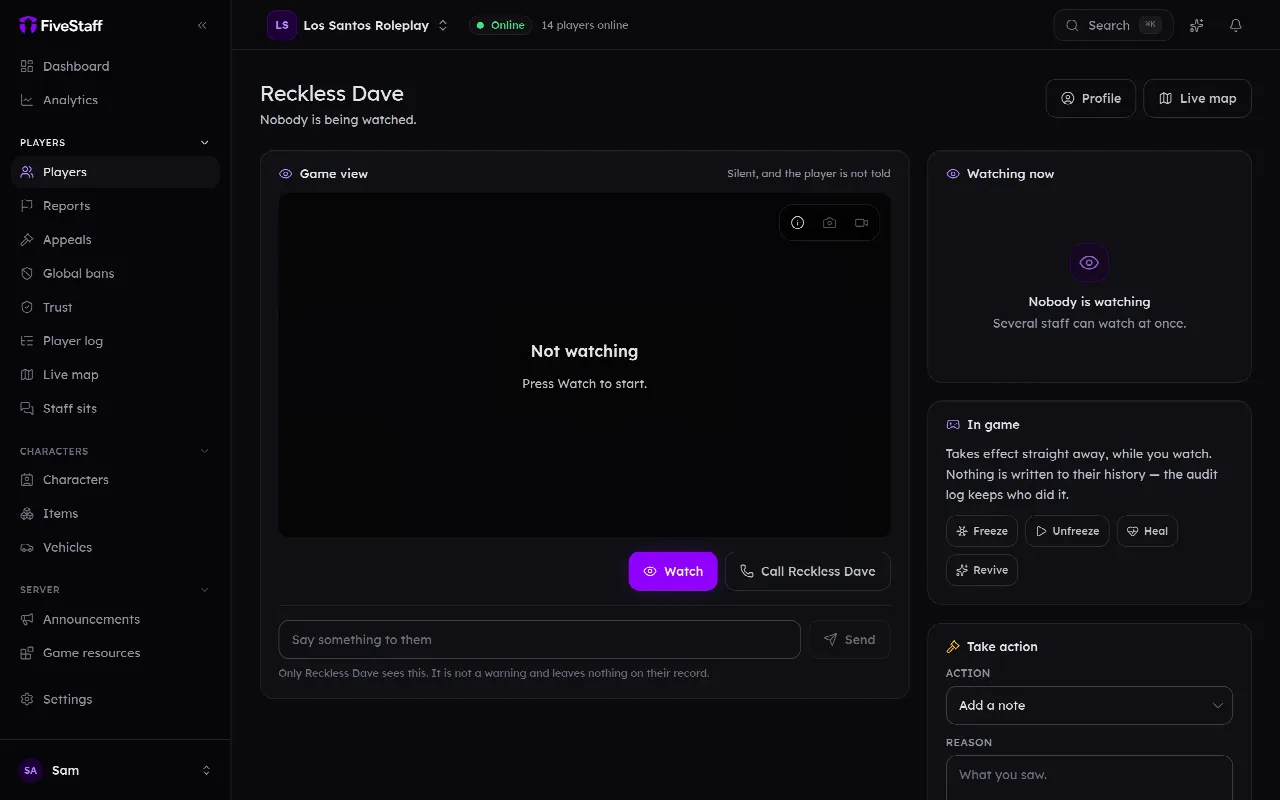
Watch a player's game from the panel or from the tablet in game, with no screen share to set up and nothing for them to accept. If something needs saying, call them: it rings in their game and you talk, staff to player.
- between updates on the live map, while anybody has it open
- 1 s: between updates on the live map, while anybody has it open
- of what happens next, recorded from the picture with one press
- 90 s: of what happens next, recorded from the picture with one press
- a call rings in their game before the panel tells you nobody answered
- 45 s: a call rings in their game before the panel tells you nobody answered
- prompts, icons or sounds the watched player gets
- 0: prompts, icons or sounds the watched player gets
Nothing to install and nothing to agree to
It is the resource already on your server. A player does not need OBS, a Discord call or a working microphone, and cannot cut the feed when it gets inconvenient.
The map to pick them from
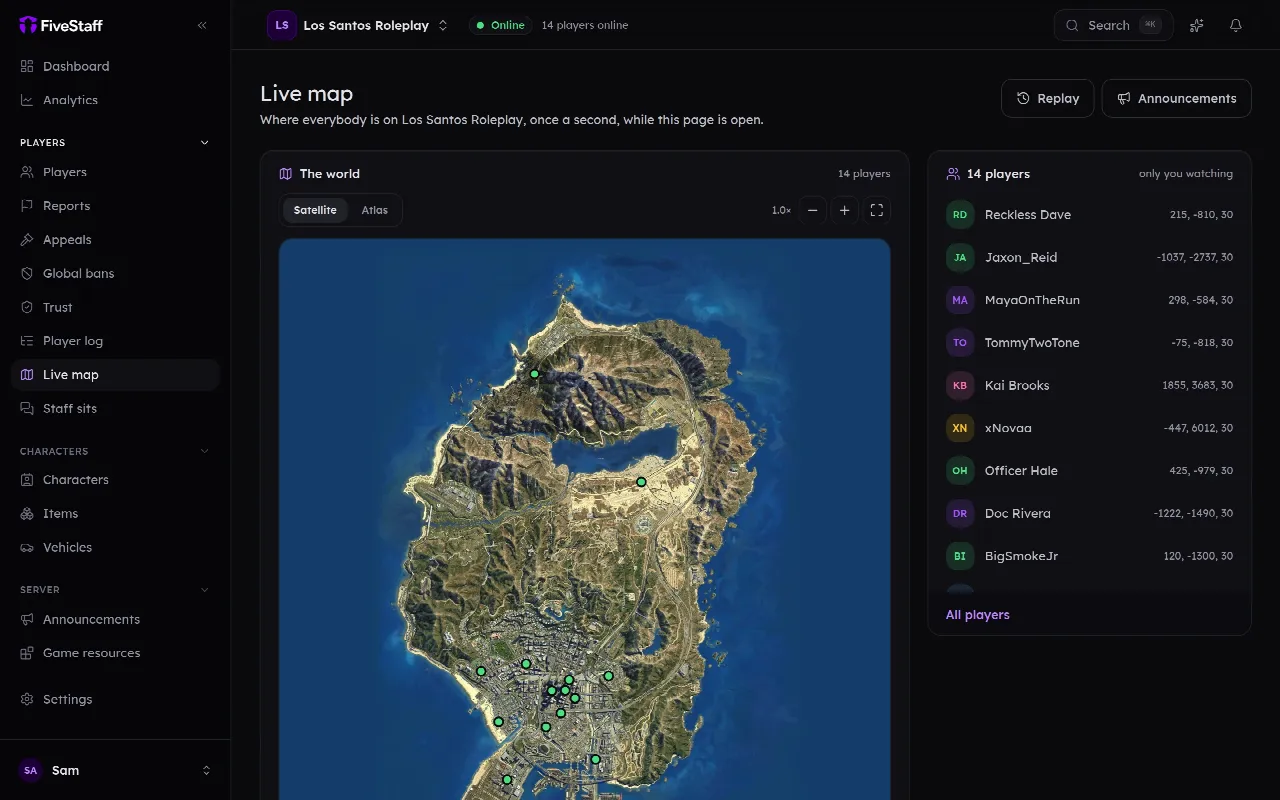
Every player on a live map of your server, updated once a second. The one driving the wrong way down the motorway is easier to spot than to describe, and one press on their dot starts watching them.
A call, not a DM
Your voice in their game, while they are standing in the thing you are asking about. Far fewer arguments end up in your Discord tickets.
Watching is itself on the record
Who watched whom, when, and for how long. Staff powers that nobody can audit are the ones that get misused.
In the panel
Find them on the map, watch, then do something about it
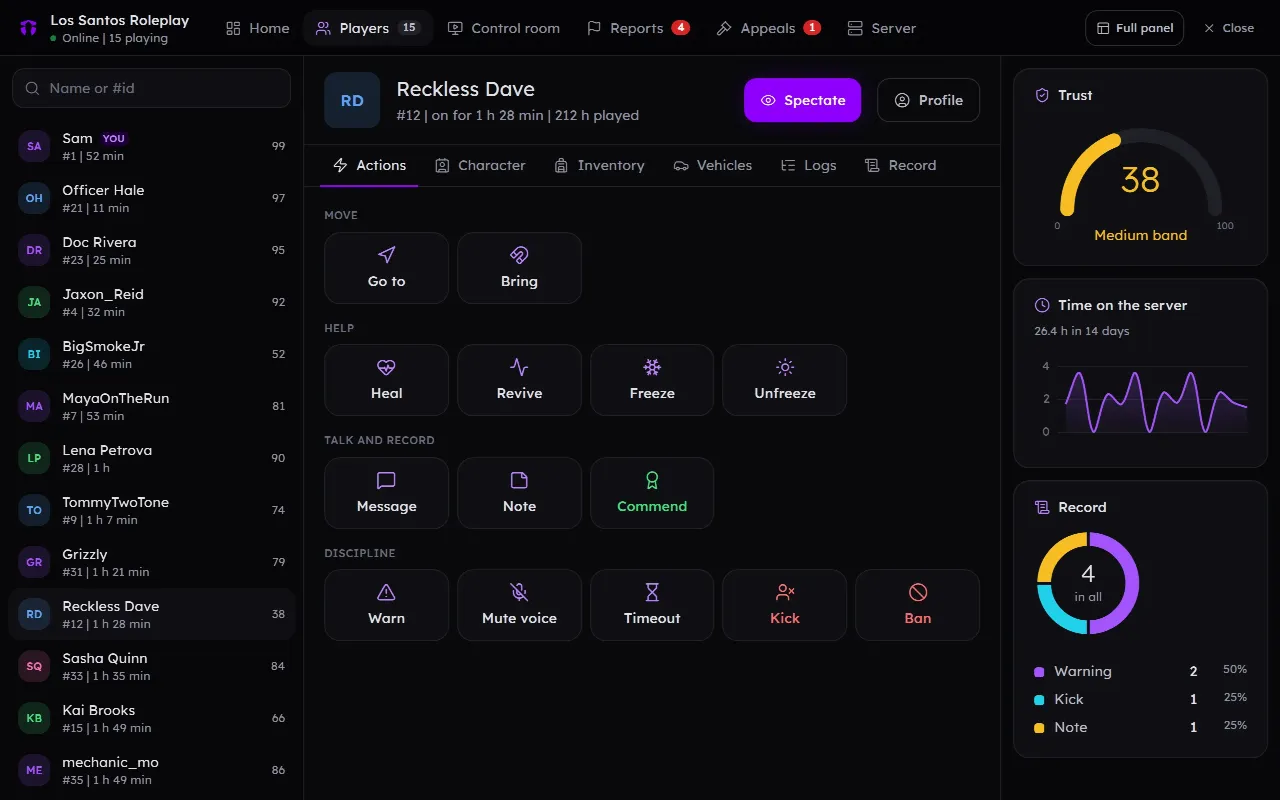
The map shows where everybody is. Press a dot to watch that player, and act on what you see without switching screens.

What the player sees
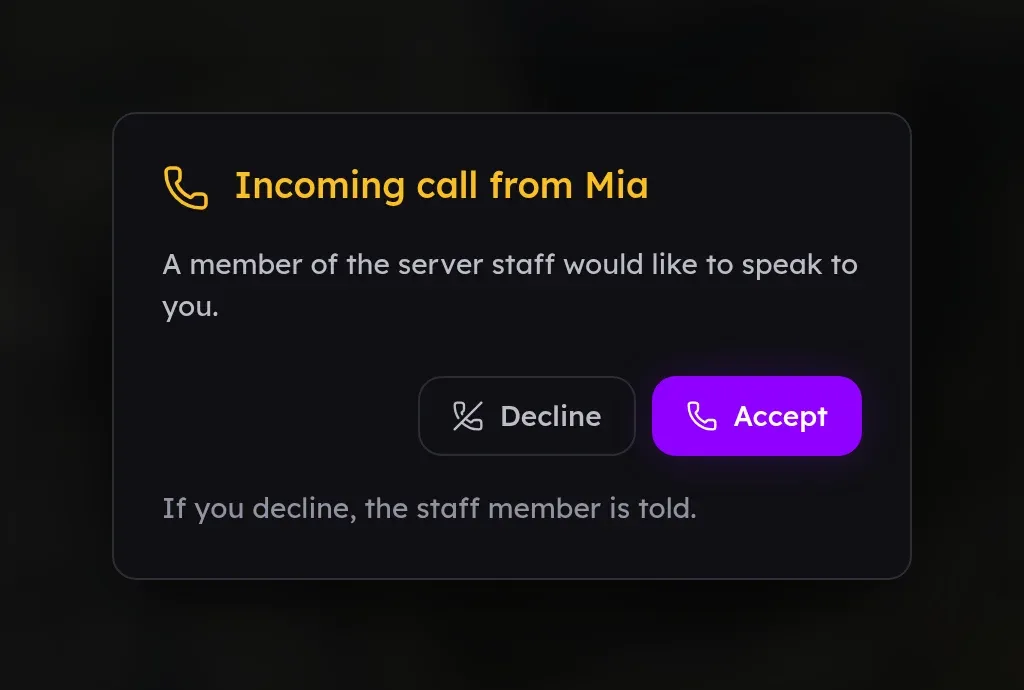
A call is a call. Watching is not announced.
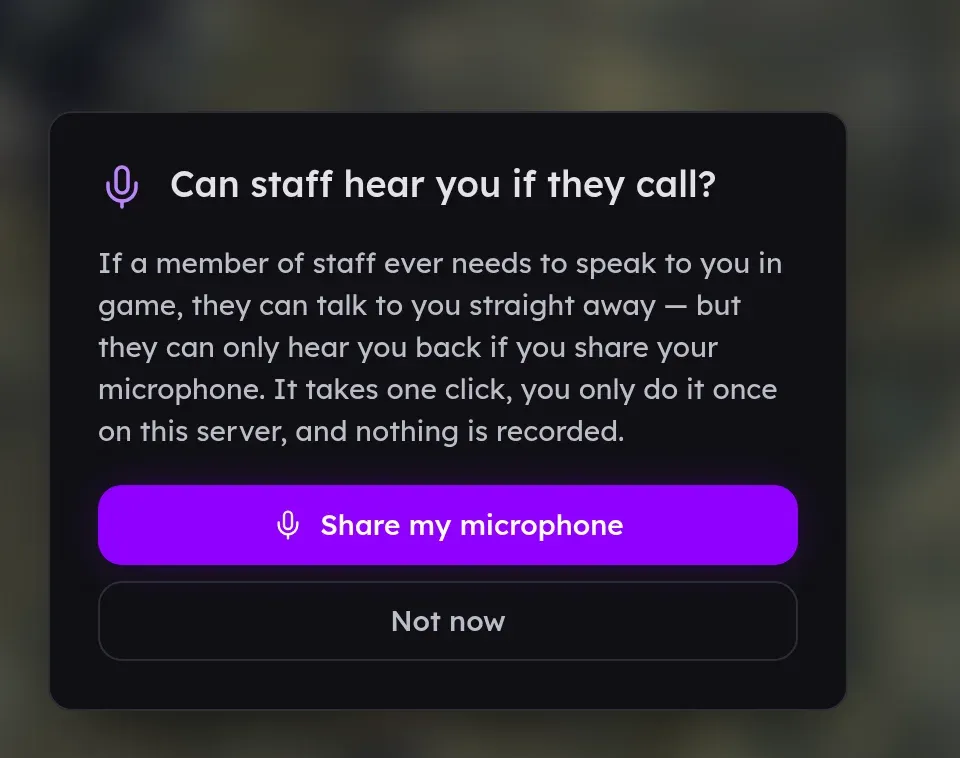
A player is asked once whether staff may hear their microphone. Without one, they answer by typing.
Seeing it, and saying something about it
Live view and calls are on Pro. The map and replay are on every plan.
The live map
- Every player, updated once a second
- Satellite or atlas
- Press a dot to watch or open the profile
- Shows how many staff have it open
Watching
- Their screen, without them knowing
- Take a still, or record up to 90 seconds
- Start a report with the recording
- Freeze, heal, revive and the vehicle they are in
Calling
- Rings in their game with your name
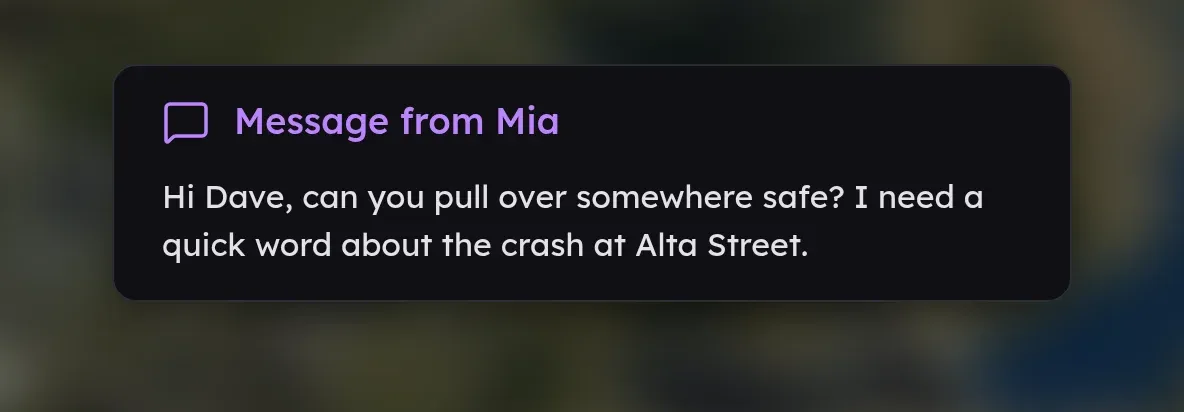
- They answer with their mic or with /reply
- Watch their screen during the call
- Only staff can end it
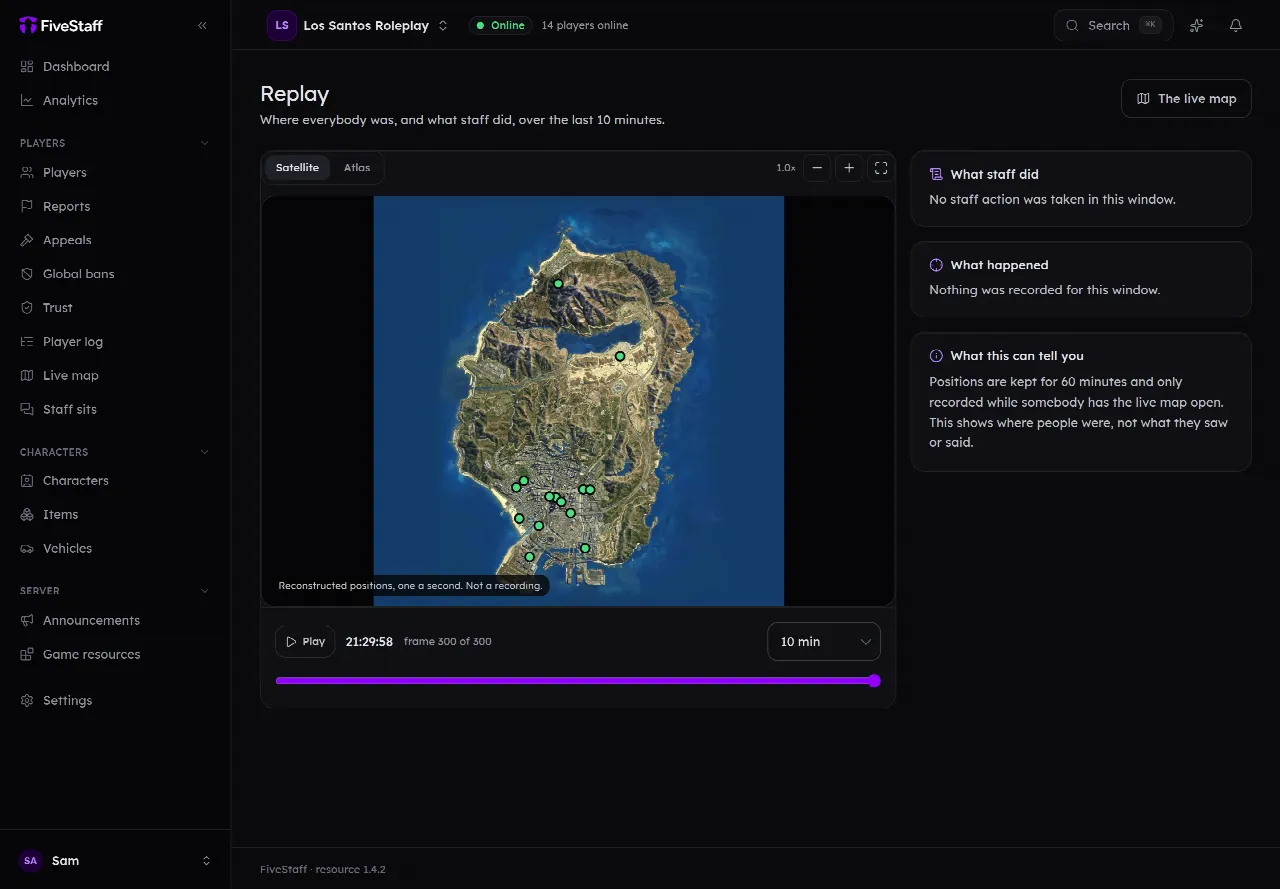
Replay
- 5 to 60 minutes of movement
- Follow one player and whoever was near them
- Staff actions, deaths and crashes marked
- Starts at the moment of a report
Questions people ask first
Does the player know they are being watched?
No. There is no prompt, no icon and no sound. Every watch is written to your audit log, with who watched whom and for how long, and posted to Discord if you have chosen a channel for it.
How many players can be watched at once?
On Pro, nine players on your server can be live at the same time, however many of your staff are watching them. Several staff watching the same player count as one.
Are calls recorded?
No. The audit log notes that a call happened and how long it lasted, or that the player declined or did not answer.
Does the live map slow my server down?
Positions are only sent while somebody has the map open. When nobody is looking, your game server sends nothing.
All of it comes with the same install
There is nothing to add on and nothing per member of staff. The free plan seats 3 and keeps 30 days of history; Pro seats everybody, keeps 12 months, and adds live view and calls.
Next
Staff tools in game
Ban, warn and message from the game, with trust scores over every head.
Try live view and calls on your own server
Sign in with Discord, add your server, and drop one resource into it. Free to get started, and nothing to cancel if it is not for you.
No card · Free to get started · One resource